Business Web Application
Replacing Manual Processes With a Reliable System.
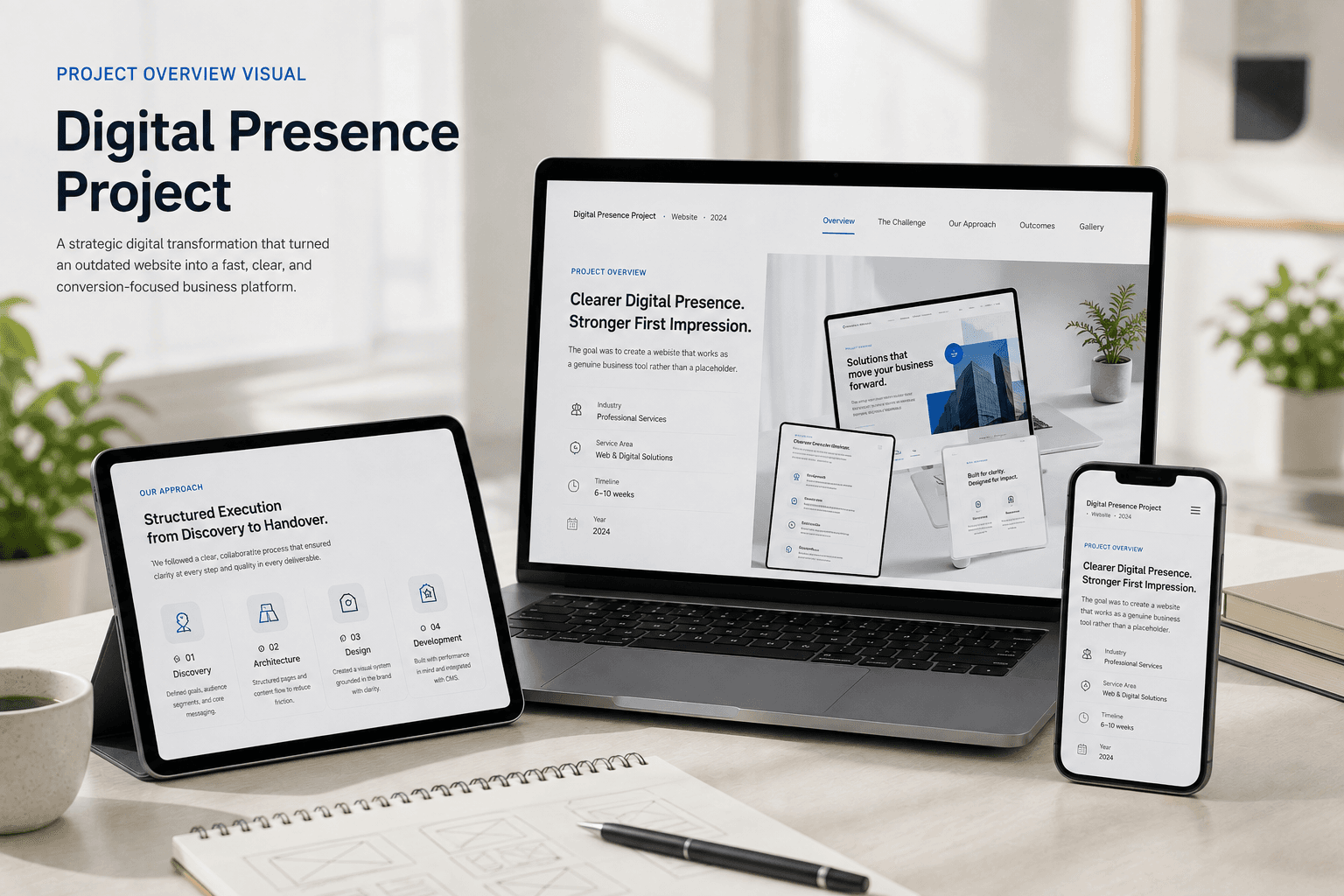
PROJECT OVERVIEW
This project replaced a collection of spreadsheets and manual workflows with a purpose-built web application. The system manages internal data, supports role-based access, and gives the team a reliable tool designed specifically around how they work.
Understanding the Problem Before Building.
The team was managing a core business process through a combination of spreadsheets, email threads, and manual tracking. As the business grew, this approach became increasingly difficult to maintain—leading to errors, duplicated effort, and delays.
Clear Goals and Deliverables.
Build a web application that centralizes the core business process, reduces manual work, supports multiple user roles, and provides clear visibility into current status at all times.
Centralize all relevant data in a structured, queryable database
Automate repetitive steps where technically practical
Provide role-appropriate views and permissions for the team
Reduce time spent on status communication and manual reconciliation
Structured Execution from Discovery to Handover.
We mapped the existing workflow in detail before designing anything. This revealed which steps could be automated, which required human decision-making, and where the current process was losing the most time. From there, we designed the data model, built iteratively, and tested with the actual team throughout.
Process Mapping
Documented the existing workflow end-to-end to understand dependencies and friction points.
Data Architecture
Designed a relational data model that accurately reflected business entities and relationships.
Iterative Build
Built core functionality first, then layered in supporting features with team feedback at each stage.
Handover & Training
Documented the system and trained the team before transferring operational ownership.
Built Around How the Team Actually Works.
The interface was designed to reduce cognitive load—presenting only the information relevant to each role and guiding users through the process with clear next steps rather than open-ended forms.
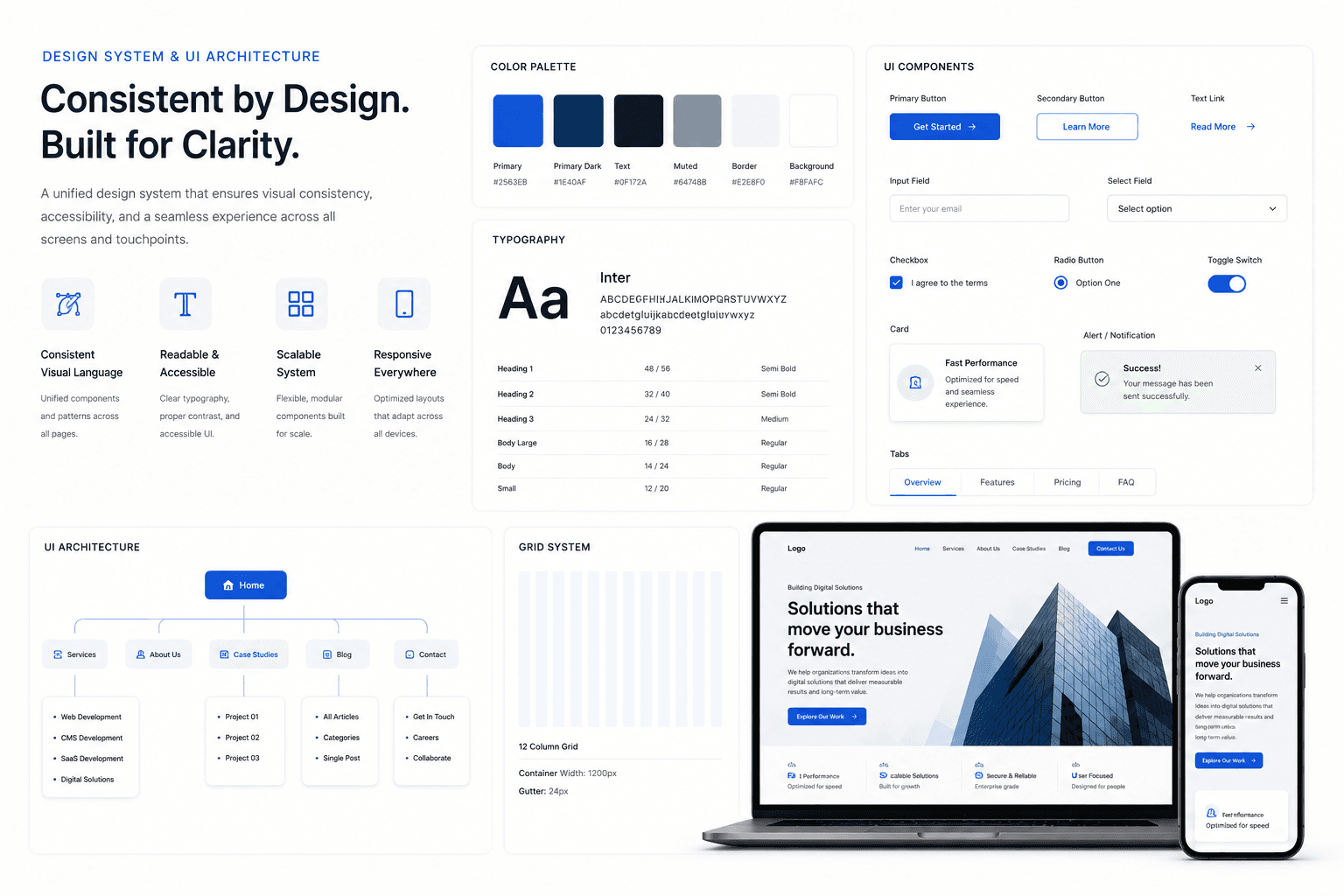
Engineered with Purposeful Tools.
Every component in this project's stack was selected to balance developer productivity, end-user performance, and operational maintainability.
Features Designed for Impact.
A breakdown of the core features implemented and the tangible value they unlock.
Role-Based Access
Different user types see only the views and actions relevant to their role.
Central Data Store
All records are stored in a structured PostgreSQL database.
Status Tracking
Current state of each item is visible without asking anyone directly.
Audit Trail
Key changes are logged with timestamps and user attribution.
Search & Filter
Records can be searched, sorted, and filtered across key fields.
Export Capability
Relevant data can be exported for reporting and external use.
Operational Impact & Long-term Value.
The team moved from managing the process across multiple disconnected tools to operating from a single, reliable system. Manual steps that previously required significant effort are now handled consistently by the application.
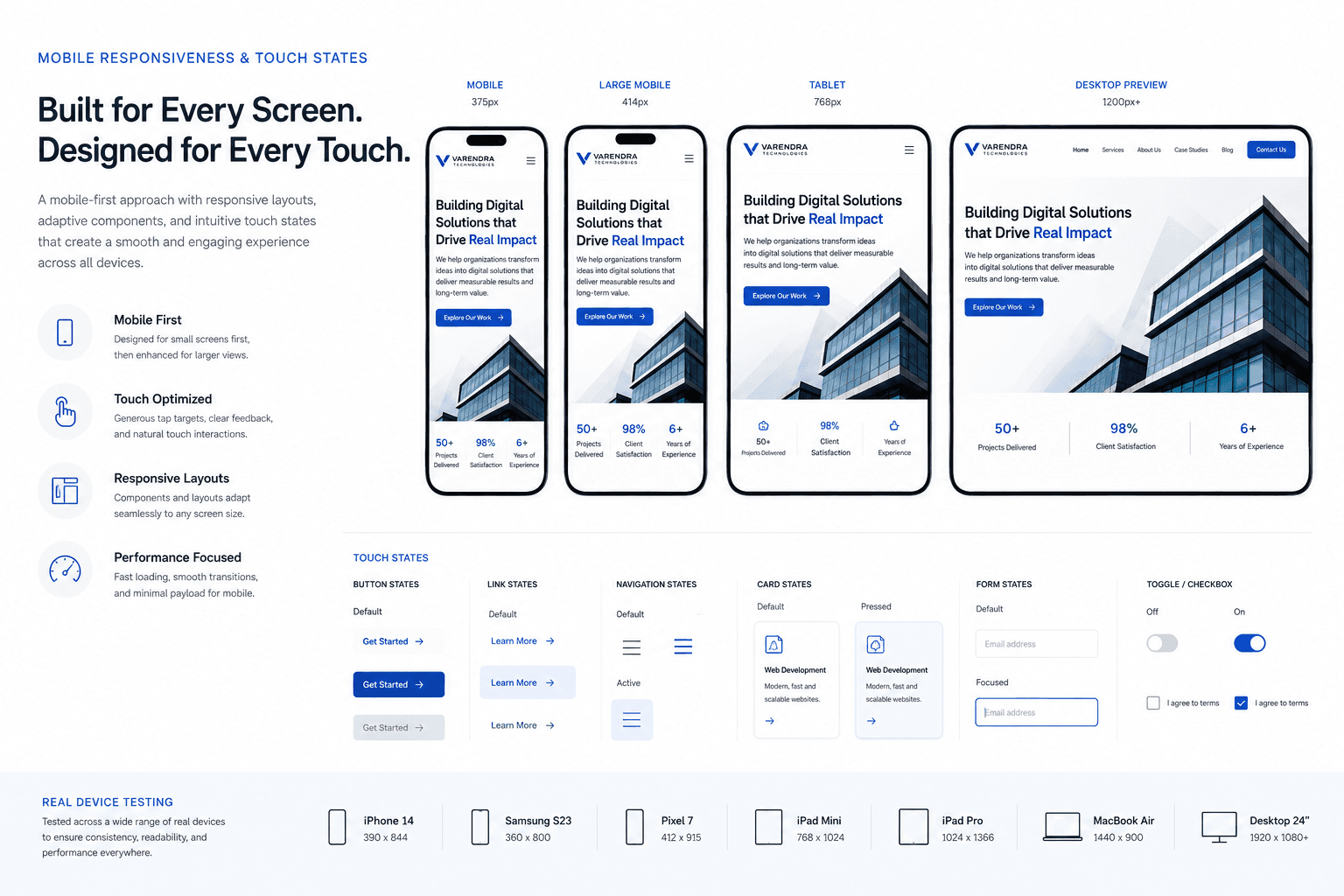
Interface Gallery
Snapshots of the responsive design, key screen flows, and component states.